
0
Your selection
Total$0.00
Checkout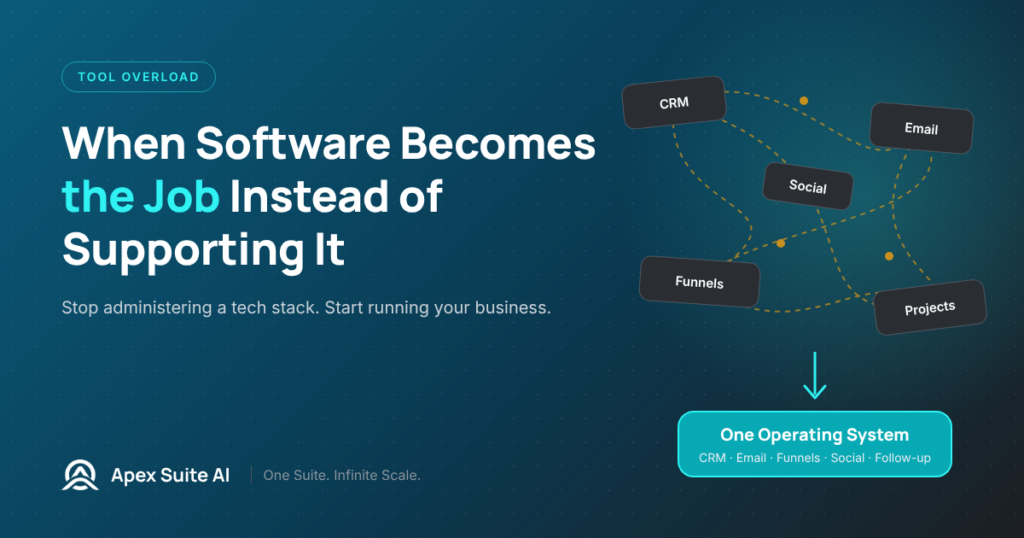
You didn’t start your business to manage software. You started it to build something, serve someone, solve a problem.
Somewhere along the way, the software became the job.
It starts innocently. You sign up for a CRM because you’re tired of tracking leads in a spreadsheet. Then you add an email platform because the CRM’s email features aren’t strong enough. Then a landing page builder, because neither of the first two does that well. Then a project management app to keep track of all the other apps.
Each addition solves a problem. And each addition creates a new responsibility. Now you’re not just running your business – you’re administering a tech stack. Updating integrations. Monitoring automations. Checking that data synced correctly. Logging into five platforms before you do any actual work.
The software that was supposed to support the business has become a second business.
The tell is in your calendar. Look at how much time you spend inside apps versus how much time you spend doing the work those apps are supposed to enable. If the ratio is tipping toward maintenance, the system is consuming more than it produces.
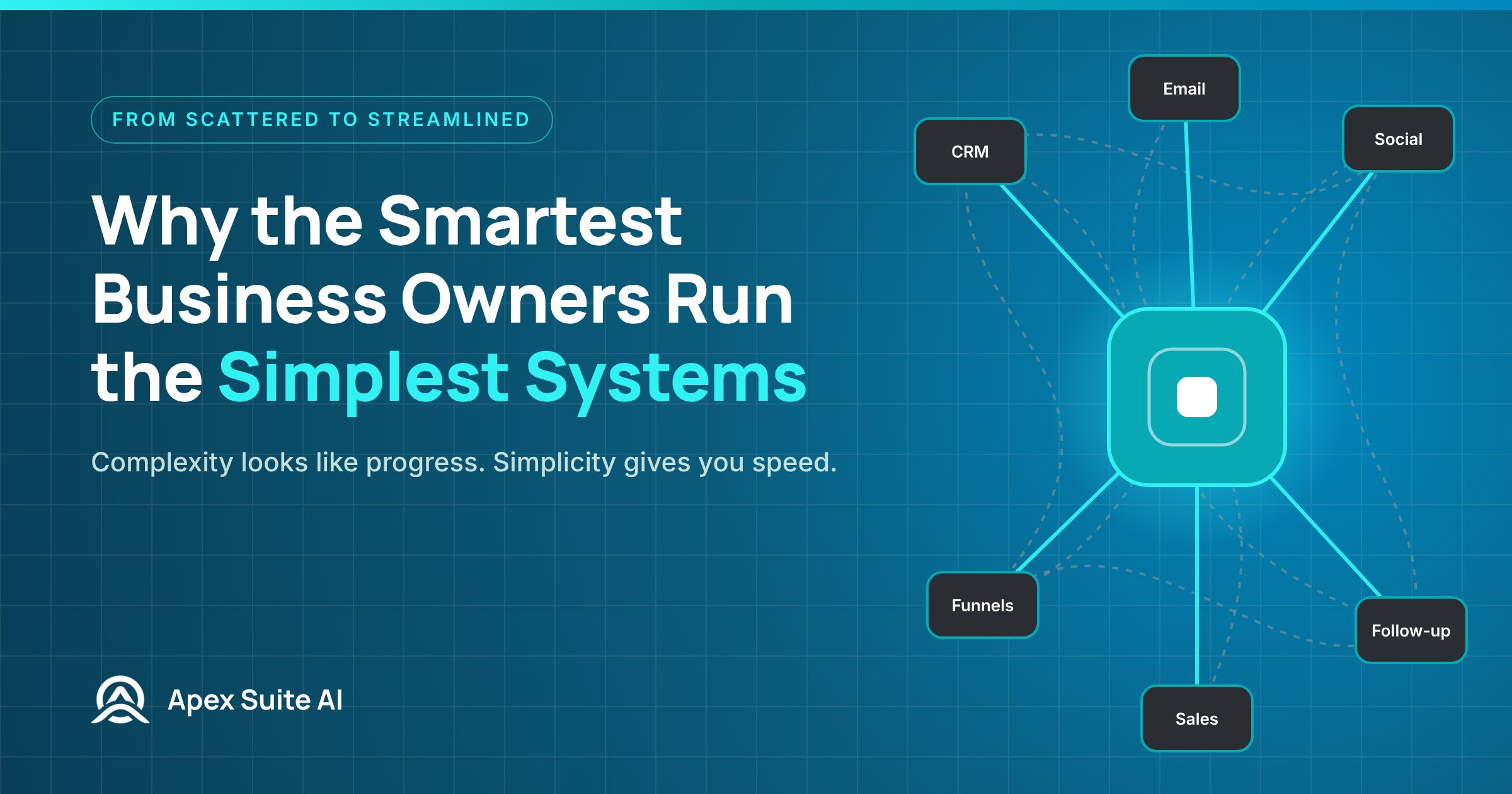
This isn’t an argument against software. It’s an argument against the accumulation model – the belief that every new problem requires a new app. That model scales linearly: more problems, more apps, more time managing the connections between them. And it never gets simpler, because each new app brings its own interface, its own logic, and its own failure modes.
The alternative is consolidation. Not fewer capabilities – fewer platforms. A system where the CRM, the email, the follow-up, the content, and the team management aren’t separate products stitched together but features of a single architecture. The capabilities are there. The overhead isn’t.
Your job isn’t to manage software. Your job is to run your business. If the software is taking more of your day than the business is, something inverted. And the fix isn’t better time management. It’s a different architecture.
$
247
.99
Required per business. Covers the onboarding work to get your messaging system properly set up — intake, brand registration submission with the carriers, phone number provisioning, and infrastructure configuration. With new industry compliance requirements taking effect, this setup ensures your system is built to the latest standards from day one.
What’s included:
For individuals and small businesses getting started with compliant messaging.
$
79
.99
per month
Optional: +1 additional campaign for $24.99 / month (max 2 total)
For growing businesses running consistent outreach across multiple messaging use-cases like promotions, reminders, and follow-ups.
$
149
.99
per month
Optional: Up to +2 additional campaigns for $24.99 / month each (max 4 total)
For established businesses with large contact lists and higher message volume that need infrastructure built for scale.
$
299
.99
per month
Optional: Up to +3 additional campaigns for $24.99 / month each (max 6 total)
For individuals and small businesses getting started with compliant messaging.
$
799
.90
per year
Includes 2 months free
Optional: +1 additional campaign for $24.99 / month (max 2 total)
For growing businesses running consistent outreach across multiple messaging use-cases like promotions, reminders, and follow-ups.
$
1,499
.90
per year
Includes 2 months free
Optional: Up to +2 additional campaigns for $24.99 / month each (max 4 total)
For established businesses with large contact lists and higher message volume that need infrastructure built for scale.
$
2,999
.90
per year
Includes 2 months free
Optional: Up to +3 additional campaigns for $24.99 / month each (max 6 total)
Timeline to send:
Your phone number is provisioned quickly. Carrier review for A2P 10DLC takes approximately 1–4 weeks for full approval. However, some registrations may require additional vetting, documentation, or carrier review depending on the nature of the business, messaging use case, industry category, campaign type, or overall compliance requirements — this window is set by US telecom carriers and applies to every messaging platform, not just Apex Suite. Toll-Free verification (when applicable) takes on average 3–7 days. We’ll keep you updated through every step inside your dashboard.
Want more volume? Add a boost anytime. (Purchase in APP)
Your order includes the $247.99 one-time Messaging Infrastructure setup fee. This covers brand registration, phone number provisioning, and full infrastructure configuration.
A few things to know before you confirm